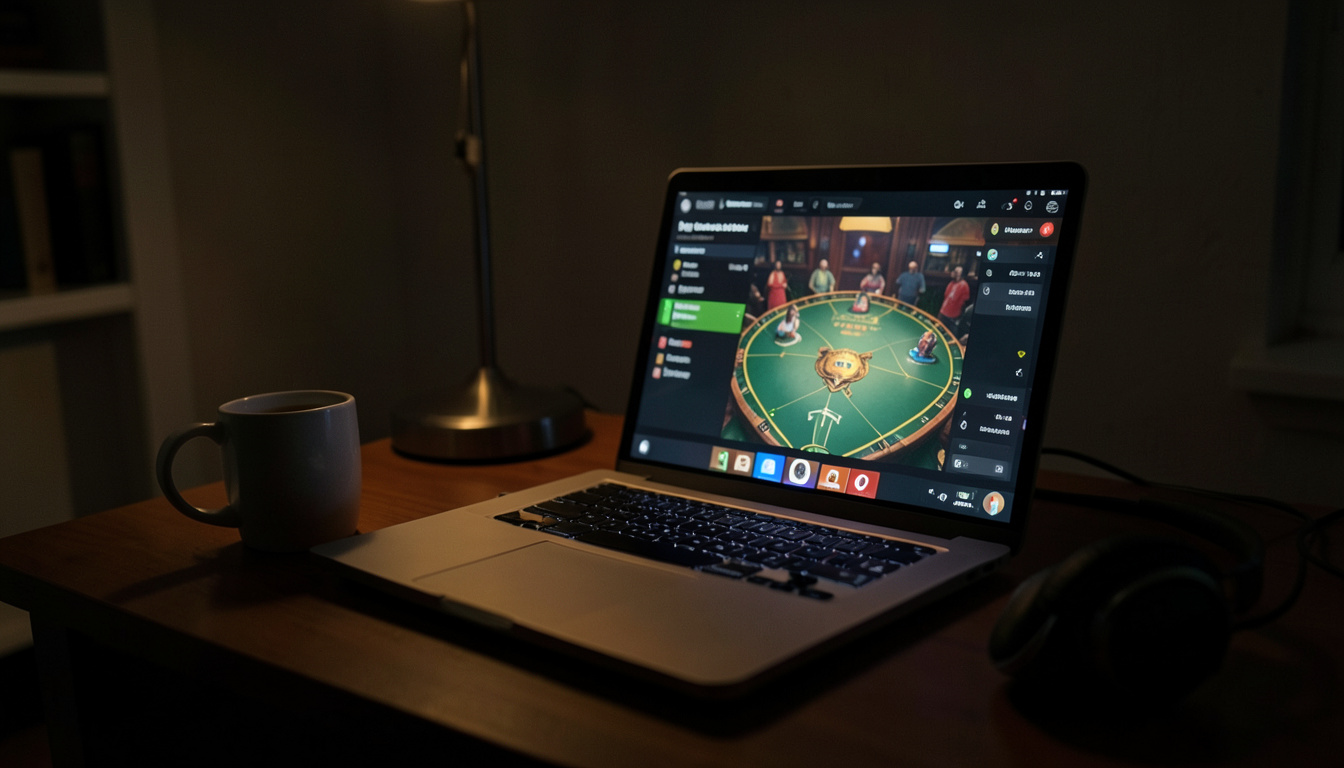
You're settling in for a late-night live dealer session, coffee in hand, and the webclient buffer wheel spins on. Again. Here's how to keep the action flowing.
What Is a Live Dealer Webclient?
A live dealer webclient is the browser-based interface that streams your live casino games. It's the digital bridge between you and the dealer, handling video, audio, and bets. Think of it like a pipeline: if the flow gets clogged, your game stalls.
Why Does This Matter?
A smooth webclient means uninterrupted play. Lag can cost you a hand in blackjack or a spin in roulette. Late-night players often deal with slower connections and server loads, so optimizing your setup is key.
How to Optimize Your Webclient
- Close background apps: Streaming eats bandwidth. Shut down unnecessary tabs and programs.
- Use a wired connection: Wi-Fi is convenient, but Ethernet is stable. If you're on the couch, at least move closer to the router.
- Clear your cache: Browser clutter slows everything down. Do it before you log in.
- Update your browser: Outdated software causes glitches. A quick update can save you headaches.
- Adjust video quality: Lower settings reduce lag. Most webclients let you tweak this in settings.
- Restart your modem: It's basic, but it works. A quick reboot can refresh your connection.
- Try incognito mode: Extensions can interfere. A clean browser session often runs smoother.
- Check your firewall: Some security software blocks streaming. Whitelist your casino's domain if needed.
How to Use This Checklist
Start by assessing your current setup. If you're experiencing lag, work through the list from top to bottom. Close background apps first, then move to clearing your cache. If the issue persists, adjust your video quality or switch to a wired connection. For persistent problems, a modem restart or incognito mode might do the trick. Remember, the goal is to eliminate interruptions so you can focus on the game.
Edge Cases
- Mobile play: If you're on a phone or tablet, some of these tips won't apply. Focus on your connection and browser updates.
- Shared networks: If others are using the same Wi-Fi, ask them to pause their streaming. Bandwidth is a finite resource.
- ISP throttling: Some internet providers slow down certain types of traffic. If all else fails, contact your ISP.
Troubleshooting Common Issues
- Buffering: Lower your video quality or restart your modem. If you're on Wi-Fi, try moving closer to the router.
- Audio lag: This often accompanies video lag. Adjusting video quality can help synchronize the two.
- Disconnections: Check your firewall settings and ensure your browser is up to date. A wired connection can also improve stability.
Where to Learn More
For more on optimizing your online gaming experience, check out resources like peptideScore. If you're looking into other late-night activities, eqno might have what you need.
The Bottom Line
Optimizing your live dealer webclient is all about minimizing interruptions. A smooth connection means more time playing and less time waiting. Start with the basics—close apps, clear cache, update your browser—and work your way down the list. If you hit persistent issues, don't hesitate to dig deeper into your connection or settings. The goal is simple: keep the action flowing so you can enjoy your late-night sessions without a hitch.